Introduction
This guide shows how to select specific jobs in Heavy Job Field. Generally you may only be working on one job at a time, but you may need to switch jobs from time to time.
Tools
Parts
No parts specified.
-
-
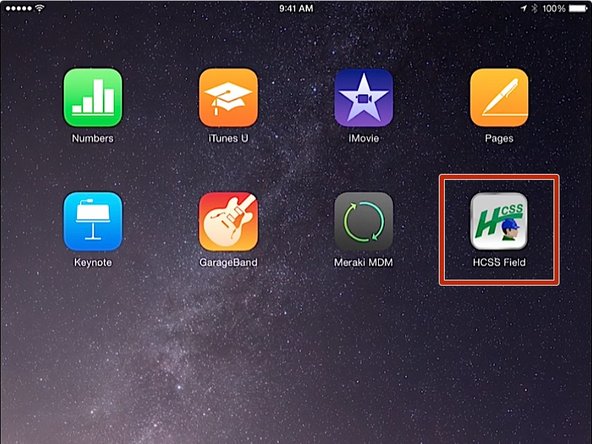
From the iPad home screen, click on the HCSS Field app
-
-
-
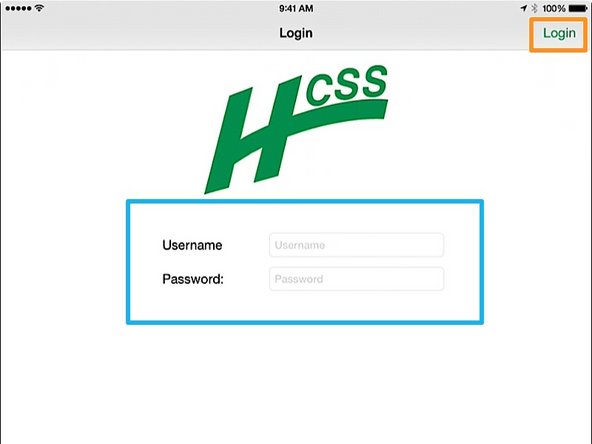
Enter in your Username and Password
-
If you do not know your HeavyJob User Name or Password, contact the IT department
-
Press the Login button. You will be taken to the HCSS Field home screen
-
-
-
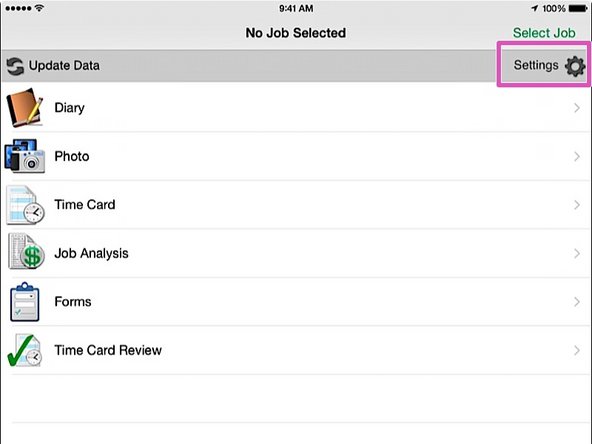
From the HCSS Field home screen, click on the Settings button
-
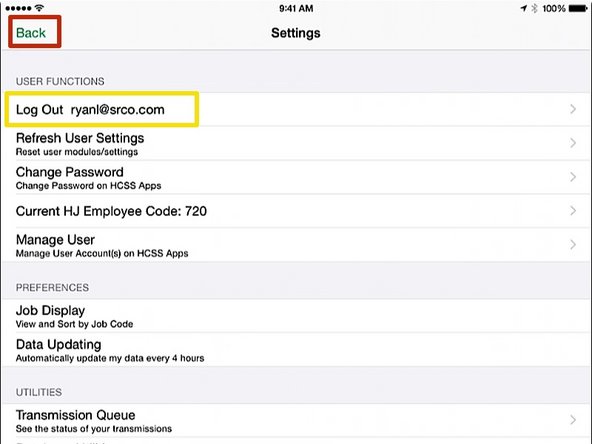
Verify that you see your login Username
-
Click the Back button
-
-
-
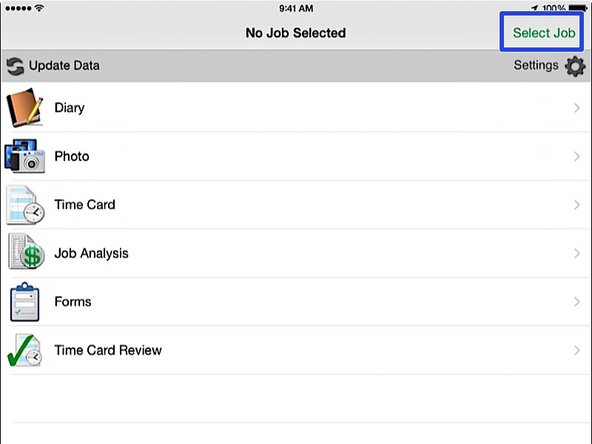
From the HCSS Field app home screen, press the Select Job button
-
-
-
In the job selection window, push on the job title that corresponds with your job
-
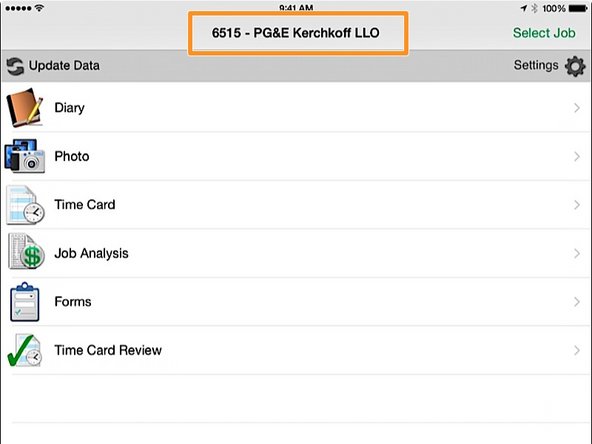
Back at the HCSS Field home screen, verify that your job is displayed at the top of the screen
-