
Introduction
These steps outline how to log into HeavyJob from the iPad. Once logged in, you can select specific jobs and look at and make changes to job data.
Tools
Parts
No parts specified.
-
-
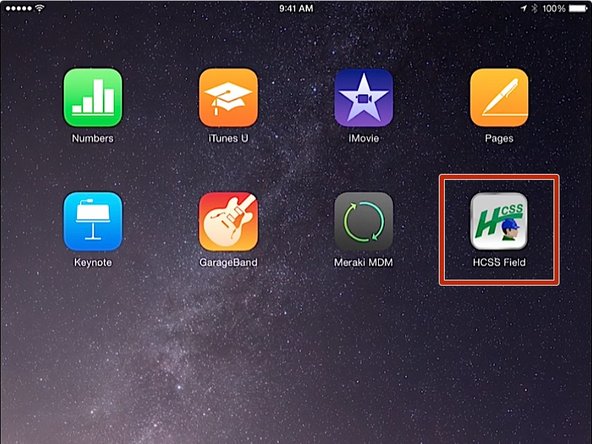
From the iPad home screen, click on the HCSS Field app
-
-
-
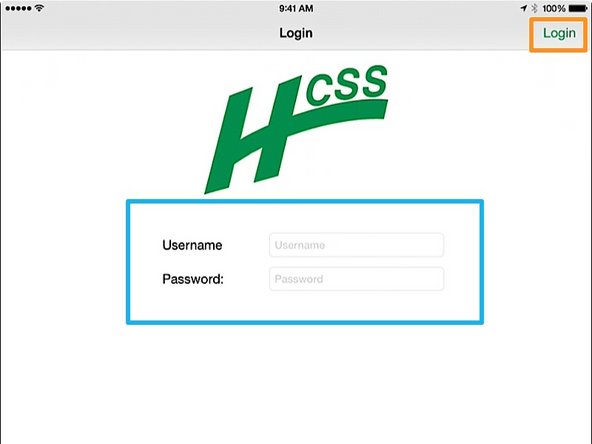
Enter in your Username and Password
-
If you do not know your HeavyJob User Name or Password, contact the IT department
-
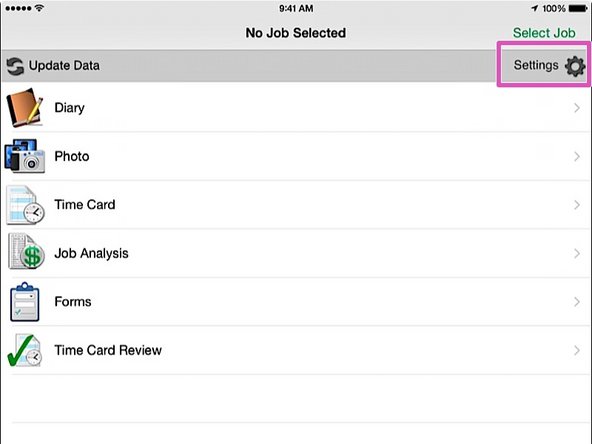
Press the Login button. You will be taken to the HCSS Field home screen
-
-
-
From the HCSS Field home screen, click on the Settings button
-
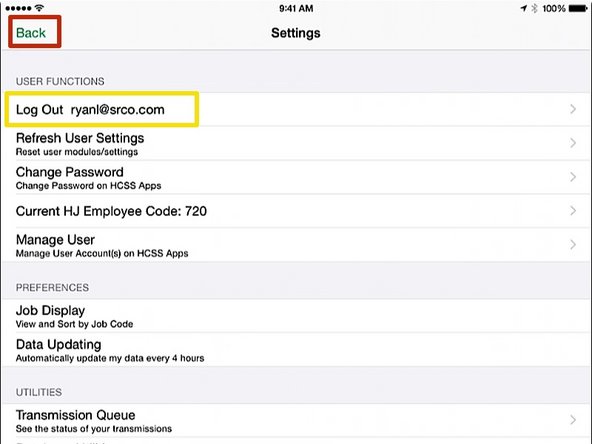
Verify that you see your login Username
-
Click the Back button
-


Almost done!
Finish Line

